tfager's site
I’m a professional software architect living in Vantaa, Finland. This page is showcasing some of my creations.
Project maintained by tfager Theme by mattgraham
GymTracker
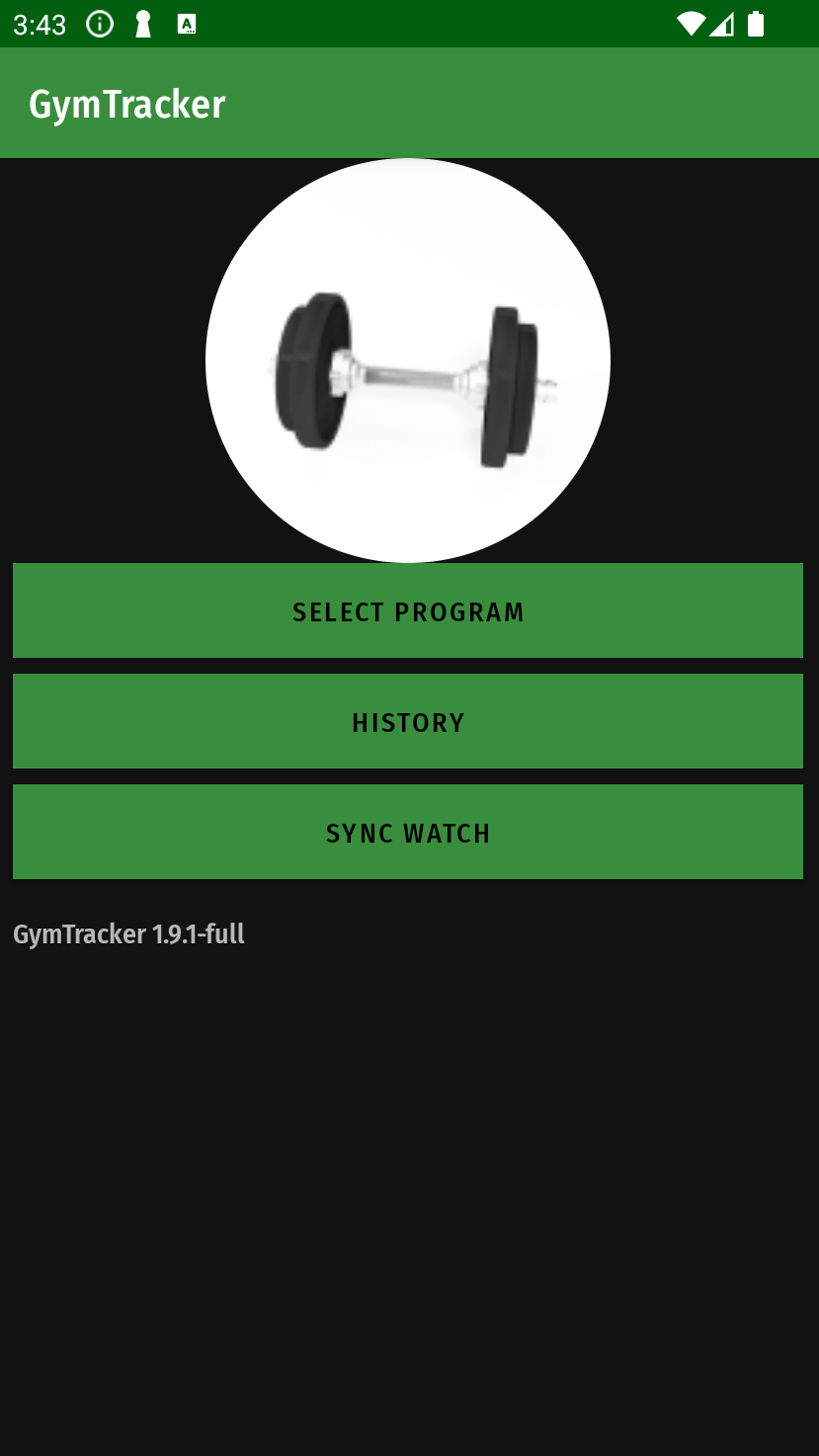
GymTracker is an Android and Wear OS application for tracking your gym exercise activities, and recording them even without unlocking your phone.
Features
- Create and edit gym programs
- Use Android lock screen notification to record your reps and resistances during exercise, without opening screen lock
- Export and import the programs as JSON files
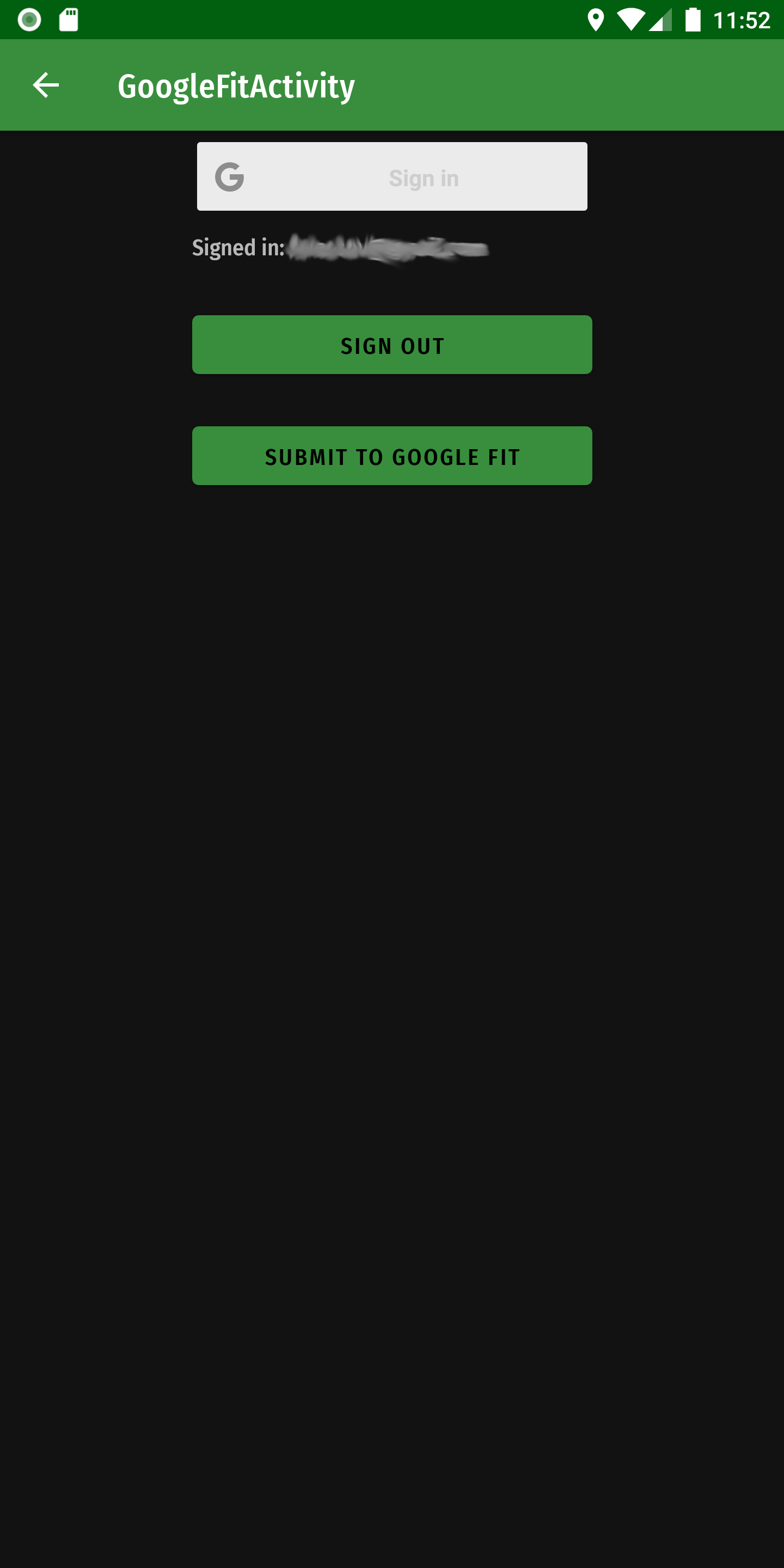
- Submit exercise data to Google Fit
- Sadly this is only available to named test users due to Google’s policy to consider fitness data to be of restricted scope
- Export and import sessions as JSON files
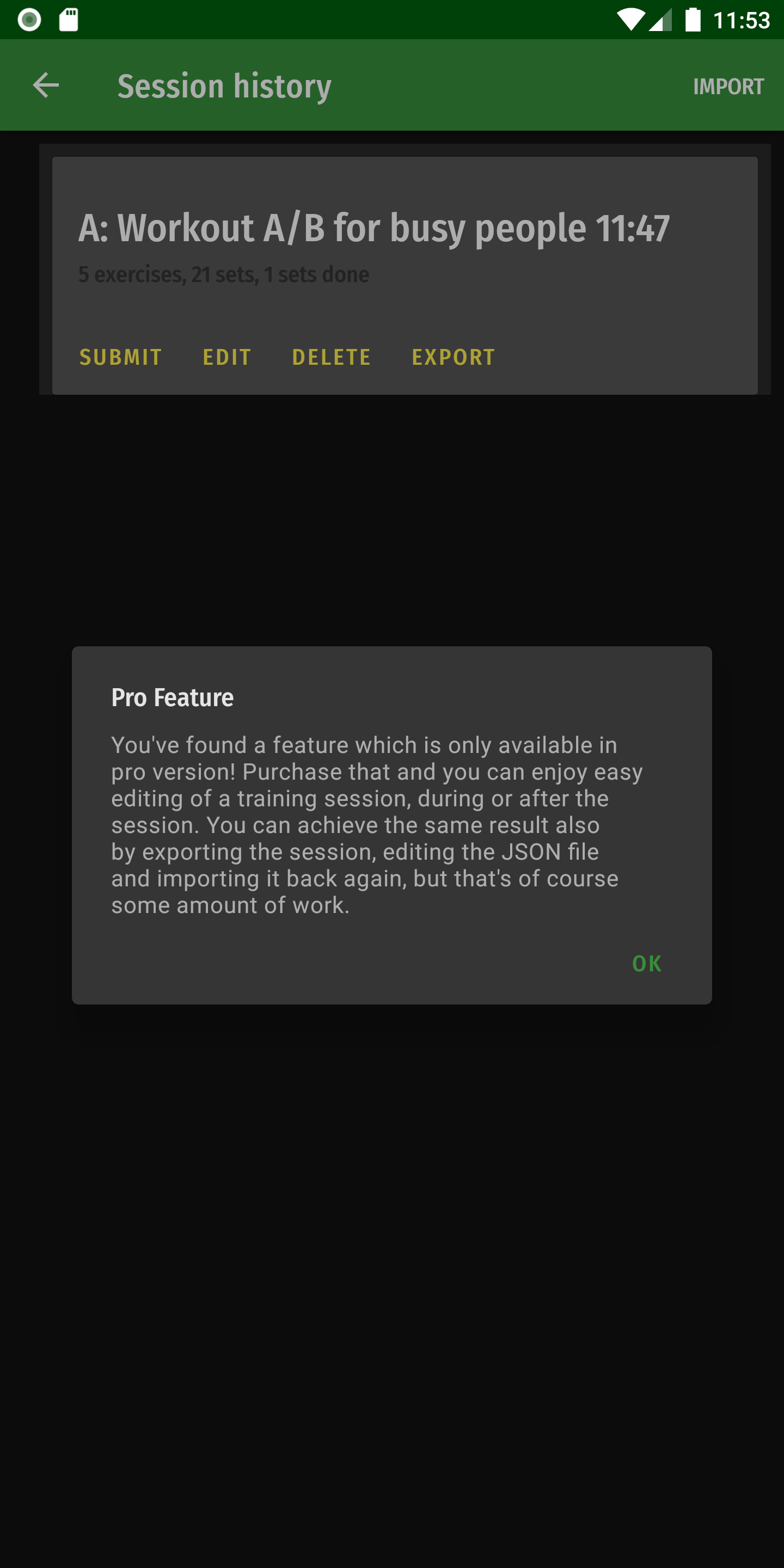
- Edit / correct information in the sessions (Pro feature)
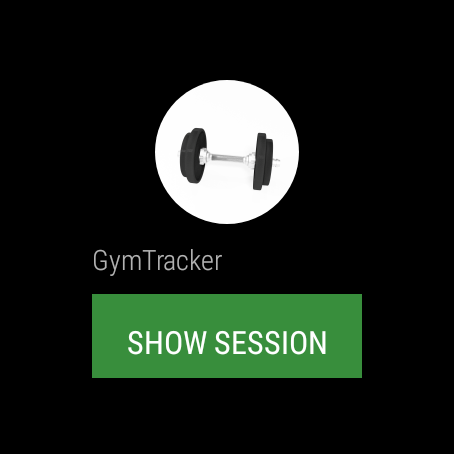
Wear OS Watch App:
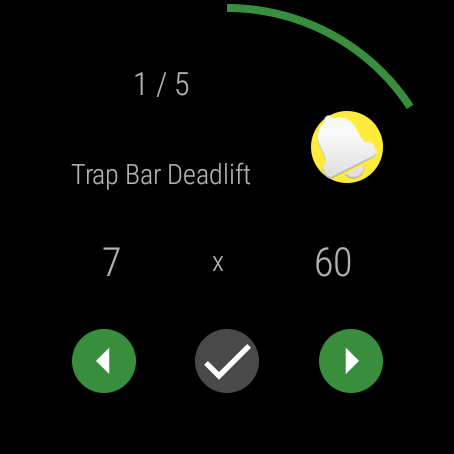
- Record reps and resistances for a workout initiated from phone
- Pause timer: click the bell icon to start a pause of predefined duration. The watch will buzz after it.
Screenshots
Watch app (Google Wear OS) Screenshots
Release Notes
See release notes.
Privacy Policy
See privacy policy.
Installation
GymTracker is available in Google Play Store in 2 versions:
Usage
Programs
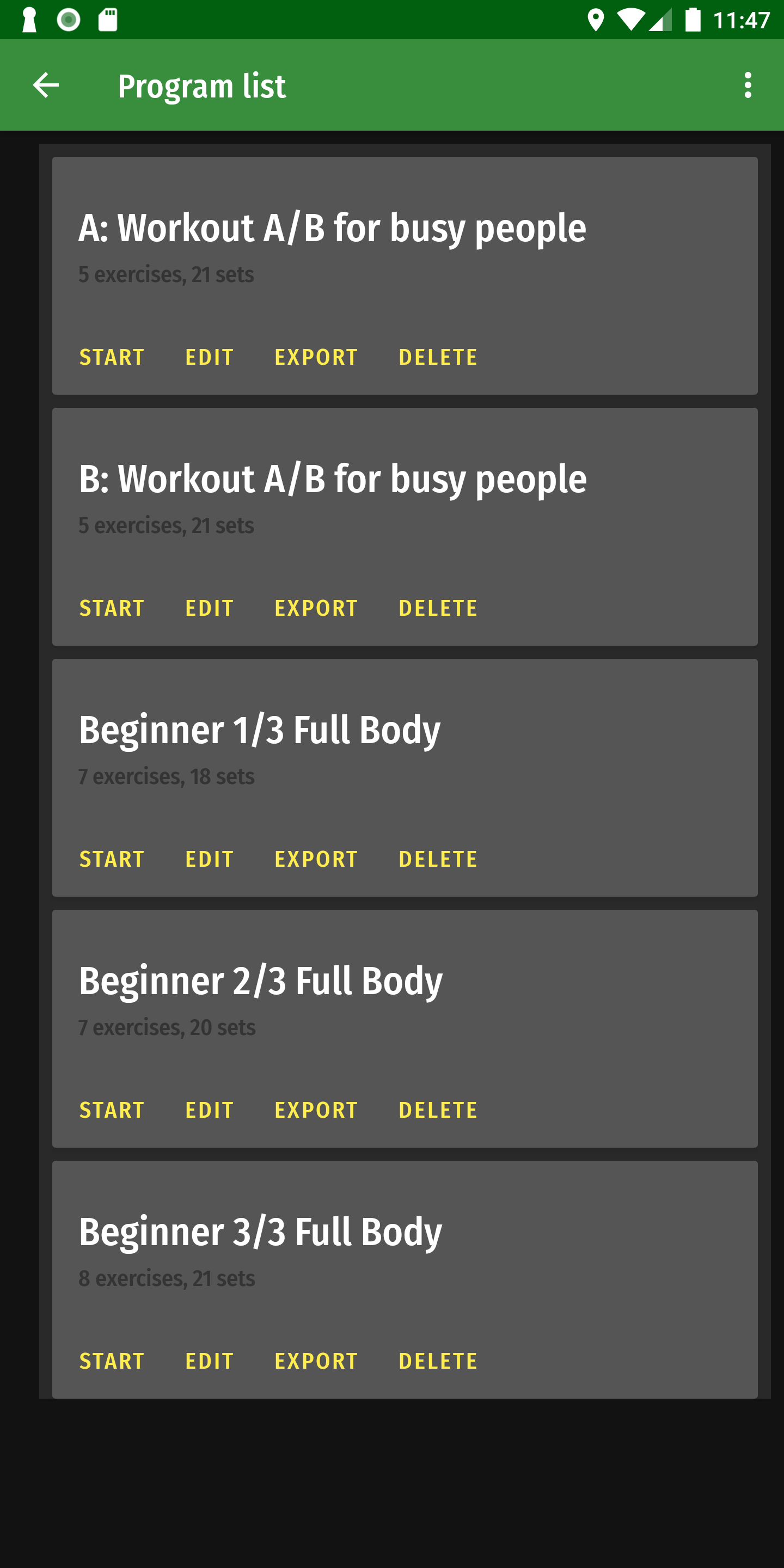
When starting, some example programs (downloaded from Muscle & Strength) appear here. Of course you’ll want to tune them to match your own training requirements.
In the screen you can:
- Start an exercise session with a program
- Edit a program
- Delete a program
- Export a program as JSON. You’ll be presented with save dialog, which can use any storage or cloud service you have available.
And from top menu:
- Import a program (you need a JSON file of specific format, best edit some file that you have exported)
- Create a program
History
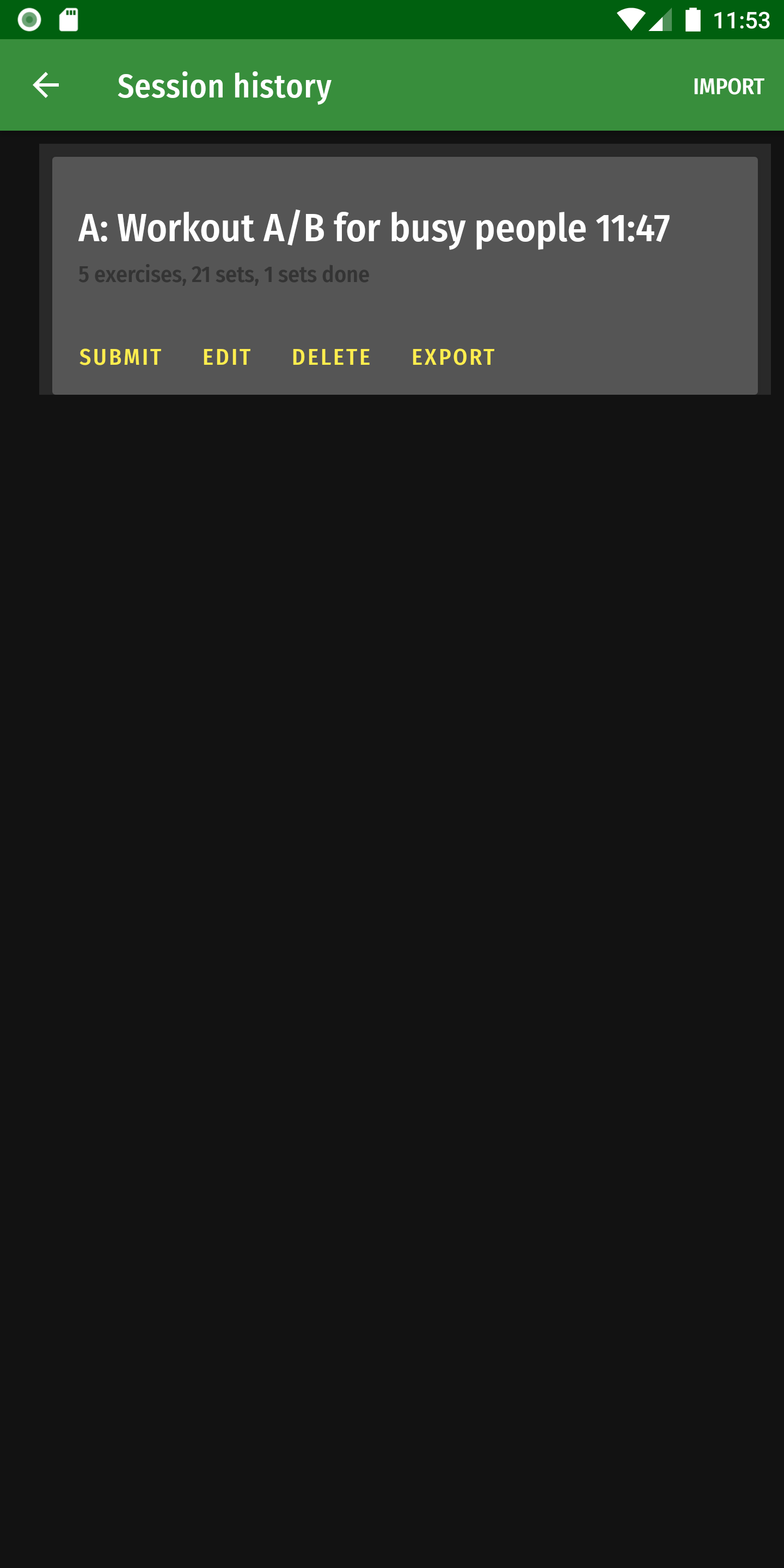
Here you can see history of your exercise sessions. You can:
- Submit the session to Google Fit. First time, you need to log in with your Google Account and give appropriate permissions
- Edit the session. This is not available in Free version to give some incentive to purchase. You can achieve the editing by exporting to JSON, editing with text editor and importing the session back.
- Delete session
- Export the session to a JSON file. You’ll be presented with save dialog, which can use any storage or cloud service you have available.
And from top menu:
- Import a session from a JSON file available on your mobile device, or any cloud storage you might have.
Editing Sessions and Programs
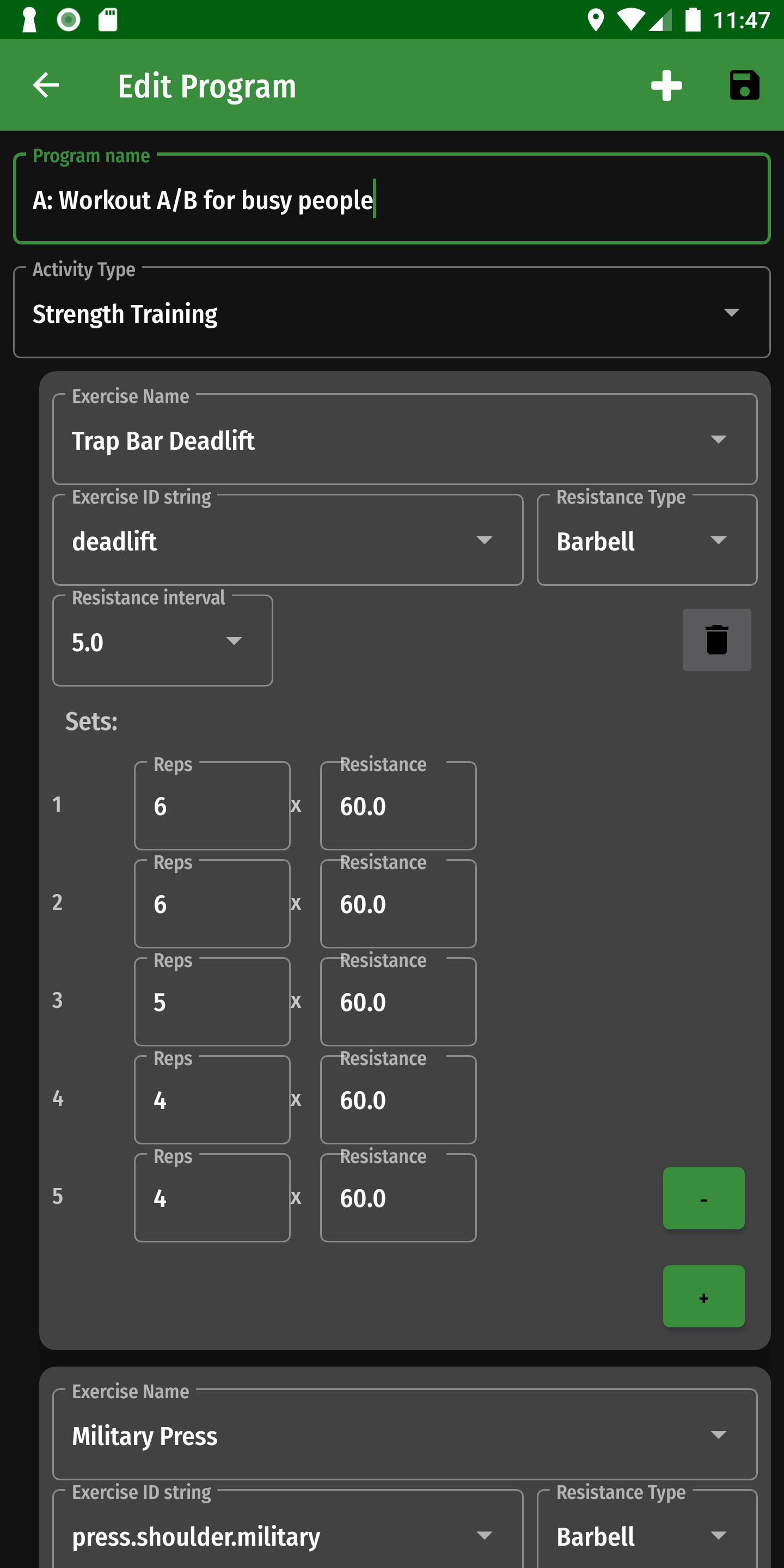
When you click Edit in program list, or in session list (Full version), you’ll see the program or session in an editable view.
In program level, editable fields are:
- Program Name - this name is shown in other screens to identify the program, use whatever you recognize easily
- Activity Type - this will be visible in Google Fit after submit. The options available in Google Fit are in a dropdown list.
The program is divided into exercises. When program is started, the exercises are presented in the order listed in the program, but you can jump around as well. You can click the plus icon on top bar to add an exercise. For each exercise, you can define:
- Exercise Name. Exercises known by Google Fit are auto-filled, but you can write your own as well.
- Exercise ID String. Google Fit uses a string ID to identify exercises. This is automatically filled if you select exercise name from dropdown, but when adding a new exercise you’d need to invent your own ID. Don’t use spaces, but dots or underscores instead.
- Resistance Type. You can further clarify what kind of resistance is used in your exercise.
- Resistance Interval. Since the input mechanisms in the lock screen notification are just +/- keys, it’s useful to set here a reasonable number here which defines how much is the usual increment/decrement. E.g. if you have a machine with a weight stack like 5kg, 10kg, 15kg etc., select 5. Or if you’re using barbells with smallest weight 2.5kg, then choose 2.5.
- When editing a session, you can additionally modify start and end time of the session. These affect how the session appears in Google Fit.
There is also a trashcan icon to delete the whole exercise from the program.
The exercises then can contain sets, where you can define or estimate how many repetitions you plan to do with how much weight. These don’t have to be exact, as the whole point of the application is that you can modify these to match what you actually did. For each set you choose:
- Reps - how many times (repetitions) you do the exercises
- Resistance - with which amount of weight / other resistance. There’s no unit defined here, so you can use kg or lb, whichever suits this exercise best.
- When editing a session, there’s also a finished time for each set. This is mostly to track which sets are marked done, it’s not saved to Google Fit.
Use the “+” button to add new set, and “-“ to delete the last one.
And finally it’s important to save your changes from the disk icon in the top bar.
During Exercise
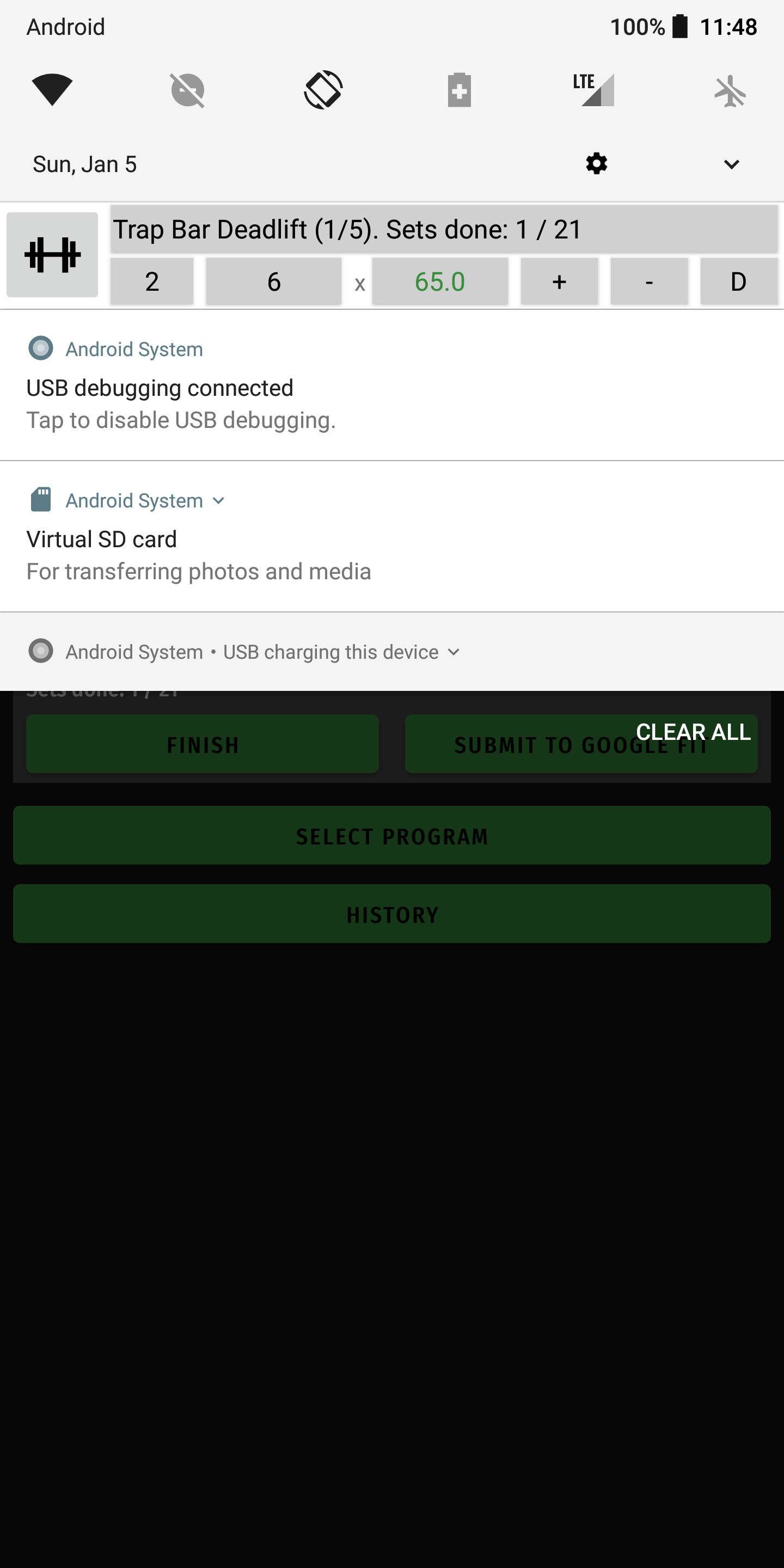
When you start a session from program list, a notification appears in the phone’s notification list, which allows you to mark sets done, and edit the number of reps / amount of resistance done. As space and UI possibilities are limited, the idea is that you touch the field you want to modify, and then use +/- buttons to change the value.
The exact elements in the notification are:
- Gymtracker icon (dumbbell): click this to get to the application main view
- Exercise title, like this: Exercise name (A/B). Sets done: C/D. Here A is the ordinal number of this exercise, B total number of exercises, C amount of sets done across all exercises, and D total amount of sets. You can touch the exercise name to allow jumping to next/last exercise (turns green)
- Number of set within the exercise. Also this can be activated by touching (turns green)
- Reps, the planned or modified amount. You can activate by touching (turns green)
- Resistance, the planned or modified amount. You can activate by touching (turns green)
- Plus button, will change the activated field to higher numbers or forward in the order.
- Minus button, will change the activated field to lower numbers or backward in the order.
- D (“Done”) button, click this to mark/unmark the current set done. Appears green if set is done; if pressed, will move to the next set automatically.
So typically, if you just exercise according to plan, you can just press “D” when your set is finished.
If you need to change reps or resistance, touch to activate the field and use +/- to modify.
If you want to look forward/back or do exercises in different order, touch exercise title or set number to activate, and +/- to navigate.
When your exercise is done, you can unlock your phone and click the dumbbell icon to return to main screen. There you can click “Finish” to note down the finish time, and Submit to Google Fit if you wish. The session will also be visible in History (actually right after the first change / marking done has happened), so you can edit and export it from there.